


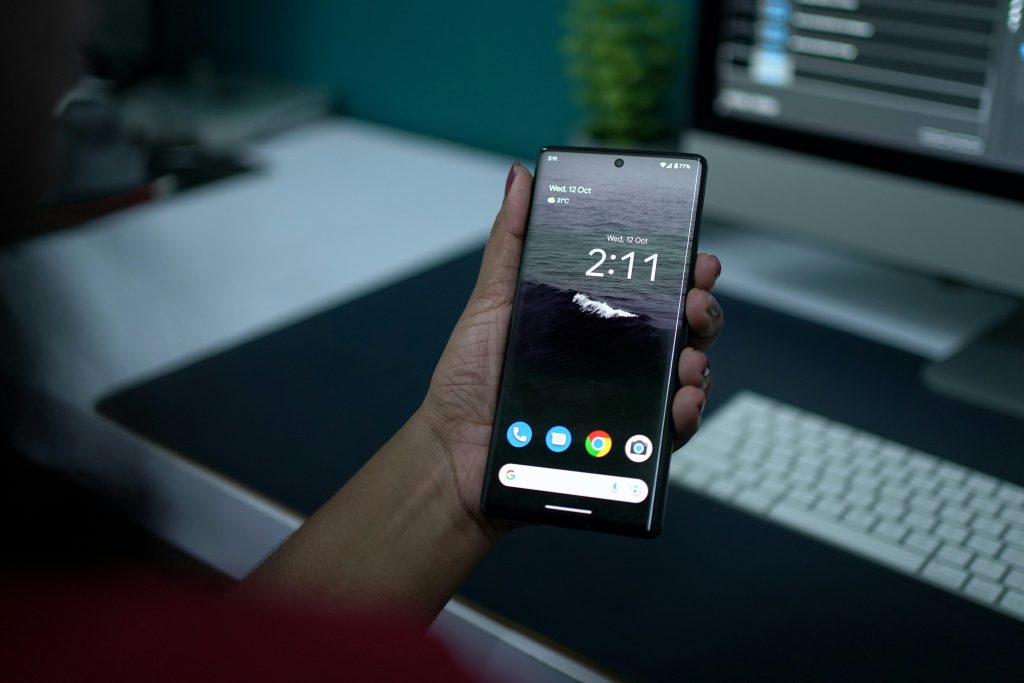

Android updates mean better protection for everyday users, but they also change what a simple reset looks like for repair shops. Android 16 continues the security-first direction, so more devices will insist on verified identity during setup after a wipe. For legitimate owners, that can feel like a dead end, unless the shop runs the right process from the start. Below you’ll see what’s changing and how professional teams can handle these cases without relying on fragile shortcuts.
What’s New in Android 16 Firmware?
Google positions Android 16 as part of its ongoing work toward a more private and secure platform. In practice, the moment right after a wipe is treated as high risk, because it is also when a stolen phone would be used by someone else.
That is why this lock shows up so often in real service work. If a device is reset while Factory Reset Protection (FRP) is active, setup can stop until the correct Google Account is verified. On the latest firmware versions, it is less likely to “clear itself” through retries, because the platform is designed to keep that identity gate in place.
Professional Removal Strategies for the Latest Firmware
After a reset, the device might require the Google Account that was previously synced to the phone before setup can continue. With Android 16, that expectation is not weaker, so the smartest removal strategy starts at intake.
Confirm the customer’s right to access the device and document what you see on screen. Then start with the cleanest resolution path: account recovery, proof of purchase, and, when relevant, coordination with the prior owner to remove the account properly. In many legitimate cases, that resolves FRP faster than repeated resets.
Use Capability Mapping to Avoid Trial-and-error on New Firmware
When account recovery is not possible, but ownership is still clear, the job shifts towards device-specific planning. New firmware can change communication behavior in different modes, and that is where random attempts become expensive.
Set internal stop points during troubleshooting, but always consider the firmware version. If a device is FRP locked on Android 15 and common service paths, such as test point, do not work, check whether a newer firmware version provides a supported method. Updating the device to Android 16 can allow FRP removal even when earlier versions offered no working workflow.
Chimera Tool supports professional workflows by publishing scope and procedures through resources like its Chimera Tool features overview and its supported models list.
Strategic Planning for Repair Operations
As Android 16 becomes more common, FRP-related service cases may require more time. Workshops should handle them as a separate workflow, clearly distinguishing between system repair tasks and ownership verification, and explain to customers in advance what information is needed before the work can start.
A phone that boots normally but blocks at FRP is likely behaving exactly as designed. If you frame it as an identity gate, you avoid the common trap of repeating the same action and expecting a different result.
Document authorization, keep records, and be transparent about what you can and cannot do on the customer’s firmware version. If you use professional platforms such as Chimera Tool, keep them updated and train staff to check coverage first rather than improvising. That approach respects the goal of the protections while still helping legitimate owners get back to a working device.
Summary
Android 16 strengthens the platform’s security posture, so FRP handling on the latest firmware versions is less forgiving than many technicians are used to. FRP is still manageable in legitimate cases, but it depends on verification, account-aware intake, and model-specific planning. Treating FRP as a structured workflow, repair shops can reduce wasted bench time and deliver a better customer experience, even as Android’s protections keep getting tougher.


